
Documentation Getting started
Overview
Rainy is a self-hosted music server with a web player, a library, playlists, imports, synced lyrics and a fullscreen light show.
Rainy runs on a computer or server you control. Your music stays in a folder on that machine, and everyone in your household reaches it from a browser on a phone, tablet or laptop. Each person signs in to their own account, so listening history, likes and playlists stay separate, while an administrator manages the library and the other accounts.
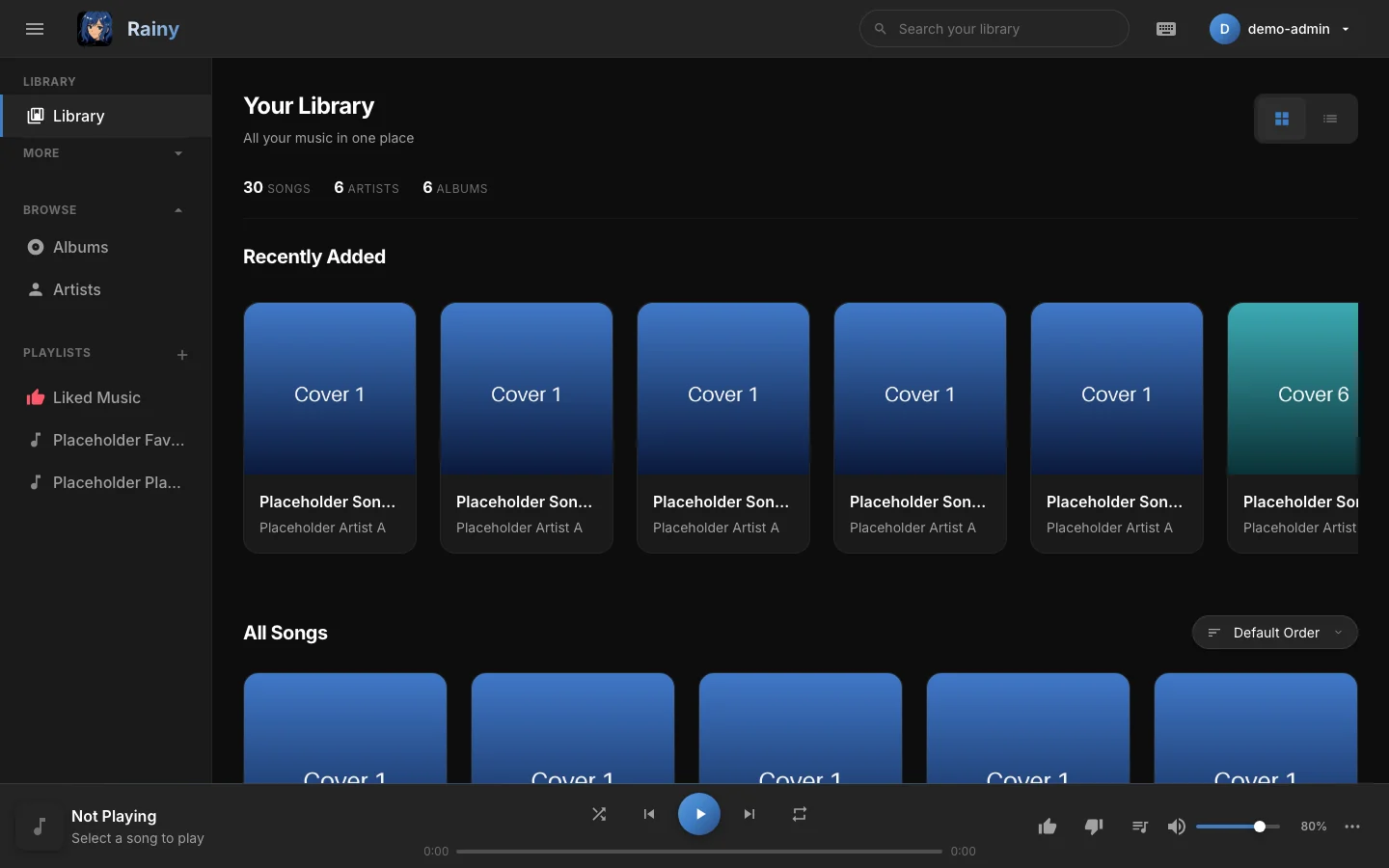
The Library view, where most of your time with Rainy is spent.
What Rainy does
| Area | What it does |
|---|---|
| Library | Scans a music folder and reads tags and cover art. Supports MP3, FLAC, WAV, OGG, M4A, AAC, WMA and MKV files, and can find duplicates. |
| Player | Crossfade, an equalizer, playback speed, A-B repeat, a sleep timer, keyboard shortcuts and system media controls. |
| Playlists | Local playlists that you can share with friends, export and keep in step with a remote playlist. |
| Imports | Downloads from YouTube and YouTube Music, and imports from public Spotify playlists. |
| Lyrics | Shows synced lyrics in the fullscreen player. |
| Light show | A music-driven fullscreen visual that is analysed from each song's audio. |
| Accounts | Multiple users with their own preferences, friends and access to the library. |
Rainy also installs as an app. The web player has a web app manifest and a service worker, so you can add it to your home screen or dock from the browser menu.
Settings
Everything you configure as a user lives in Settings, opened from the account menu in the top right. The sections are:
- Appearance: interface language, accent colour and the No Anime option.
- Player: sleep timer, player bar controls, fullscreen mode and lyrics effect.
- Light Show: the environment, the intensity and the comfort options of the light show.
- Account: change your password.
- Playlist Sync: link a local playlist to a remote Spotify or YouTube Music playlist.
- Jobs: the background work Rainy is doing, such as imports and analysis.
- Chromecast Setup: instructions for casting to a Chromecast.
Administrators also see Maintenance (library scans, updates and the server) and Users (creating accounts and changing roles).
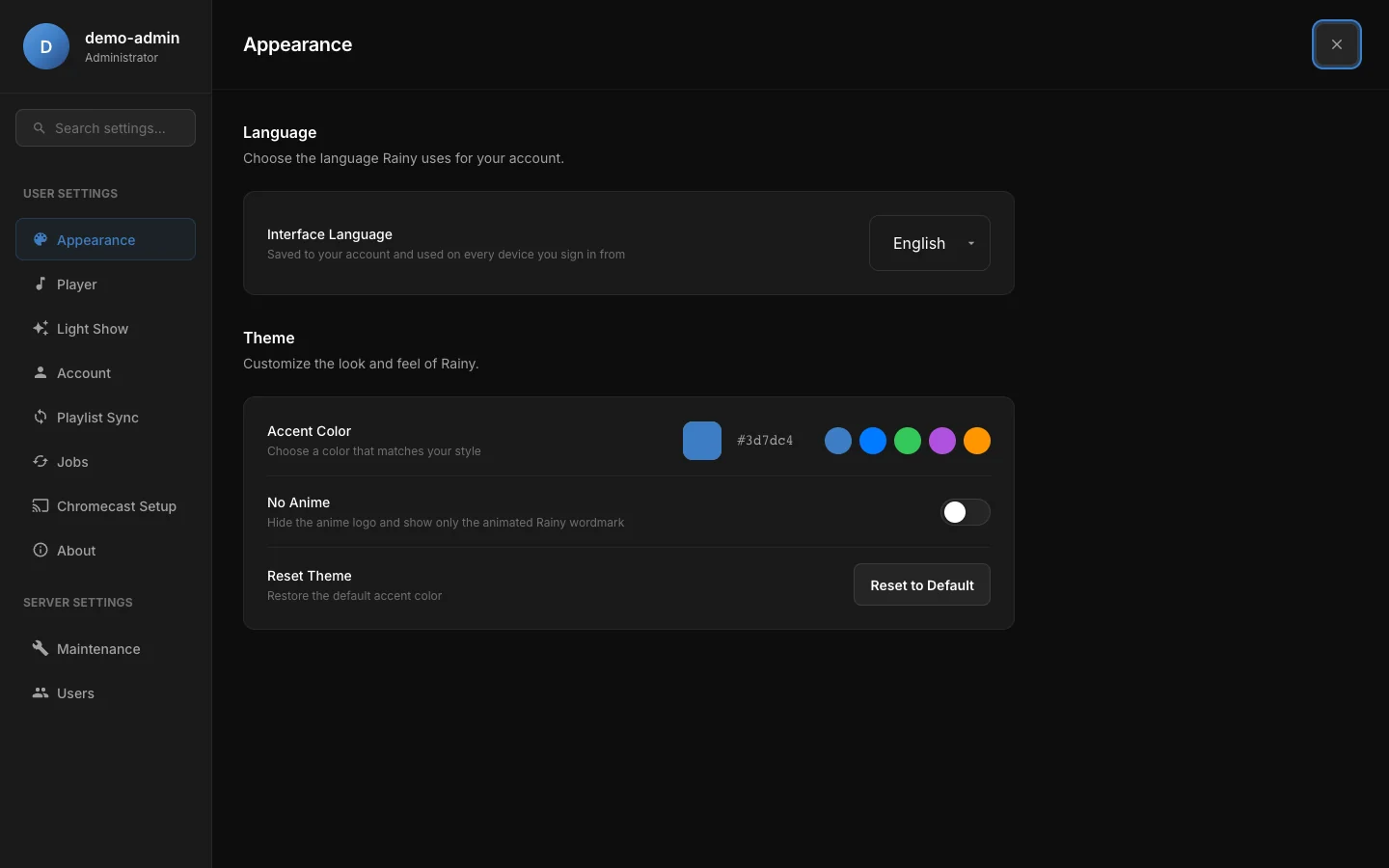
The Appearance section, where you choose your language and look.
Where to go next
If you have not installed Rainy yet, start with installation. Once it is running, first run walks through creating the administrator account and the first sign-in. The configuration page lists every environment variable Rainy reads.
Once your library is in place, read about the library, playlists, imports, lyrics and the light show. For access beyond your home network, see users and access.
Rainy is for music you own or have permission to download. It is not affiliated with YouTube, Google, Spotify, Last.fm or MusicBrainz.