
Documentation Administration
Maintenance
Scan the music folder, fill in missing artist images and bios, and keep the YouTube downloader up to date.
The Maintenance page is for the server as a whole. It is only visible to administrators, under Settings > Maintenance. Everything on it works on the shared music folder or on the server, so it affects everyone's library.
Background work on individual songs, such as duplicates, lyrics, song metadata, light shows and imports, is on the Jobs page instead. See Jobs and imports, Duplicates, Lyrics, Metadata and covers and Light show.
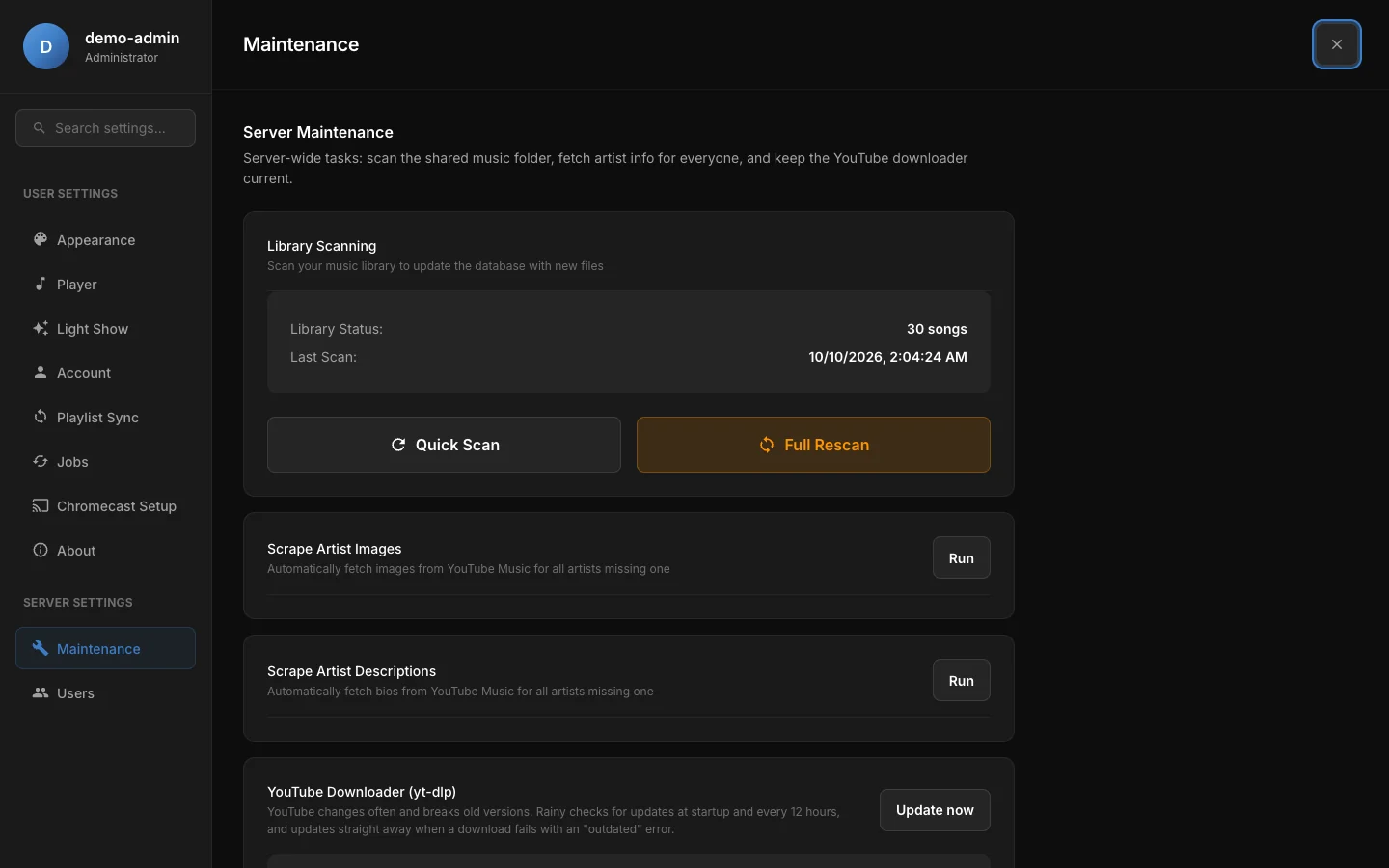
The Maintenance page: library scanning, artist image and bio fetching, and the YouTube downloader.
Library scanning
Rainy reads your music folder and keeps the library in step with it. The card shows Library Status (the number of songs) and Last Scan.
| Action | What it does |
|---|---|
| Quick Scan | Finds new files and re-reads the ones changed since the last scan. Unchanged files are skipped, so it is the fast choice after you copy in new music. |
| Full Rescan | Re-reads the tags of every file, whether it changed or not. Use it after you edit tags in bulk. On a large library it can take a long time. |
When a scan finishes, the card shows how many files it found, added, updated and removed. Removed counts songs deleted from the library because their files are no longer in the folder.
Both scans remove songs whose files have gone from the music folder, for every account. Move or rename files only when no scan is running, or restore them before the next scan.
Only one scan can run at a time. If one is already running, the other button returns an error and the scan keeps going. If the server restarts during a scan, Rainy does not mark that scan as finished, so both scan buttons return an error until the stuck record is cleared in the database.
A scan needs the music folder to be configured and reachable by the server. If it isn't, the scan stops with a message about the path.
Artist images and bios
Two cards fetch artist information from YouTube Music for every artist in the library.
- Scrape Artist Images fills in a photo for artists that don't have one.
- Scrape Artist Descriptions fills in a biography for artists that don't have one.
Click Run on a card to start it. The card shows progress while it works, then the results: how many were scraped, how many already had an image or bio, and how many were not found.
Artists that already have an image or bio are skipped, so a run never replaces what is there. Artists that YouTube Music can't match stay as they are.
YouTube downloader (yt-dlp)
Rainy uses yt-dlp to download from YouTube. YouTube changes often, and old versions stop working, so Rainy keeps yt-dlp up to date.
- Rainy checks for a new version at startup and then every 12 hours.
- If a download fails with an error that suggests an outdated version, Rainy updates straight away, at most once an hour.
- To update now, click Update now.
The card shows the installed Version, the JS challenge solver that yt-dlp is using, and the Last update time.
If an update fails, the card shows the error message.
Phone width
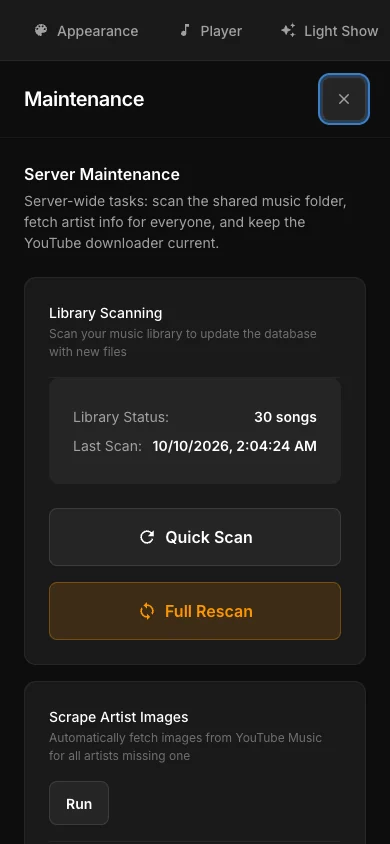
The Maintenance page at phone width.