
Documentation Playlists and discovery
Likes and dislikes
Like or dislike songs to build your Liked Music playlist and shape your Smart Mixes.
Each song can be liked or disliked from the player. Likes collect in a playlist called Liked Music, and both likes and dislikes feed into Smart Mix. Dislikes are kept out of every mix, and Rainy never shows a list of disliked songs.
Like or dislike a song
The player bar and the full-screen player both have a Like and a Dislike button. The buttons apply to the song that is playing.
- Start playing a song.
- Click Like to add it to Liked Music, or Dislike to mark it as one you do not want.
- Click the same button again to undo it.
A song is either liked or disliked, never both. The table shows what each action does:
| Action | Liked Music | Smart Mix |
|---|---|---|
| Like | Added to Liked Music | Counts as a strong taste signal and can appear in the Liked Mix |
| Dislike | Removed, if it was liked | Left out of every mix and of endless playback |
| Like a disliked song | Added, and the dislike is cleared | Counts as a like |
| Dislike a liked song | Removed | Left out of every mix |
Each change is confirmed with a short message, such as "Added to Liked Music" or "Marked as disliked".
The Liked Music playlist
Liked Music appears at the top of the Playlists section in the sidebar. It is a normal playlist with a few differences:
- You cannot rename, re-icon or delete it, and its settings menu is hidden. That also means you cannot download or export it from there.
- It is left out of the Add to Playlist list. To like a song, use the Like button.
- It can be opened and played like any other playlist.
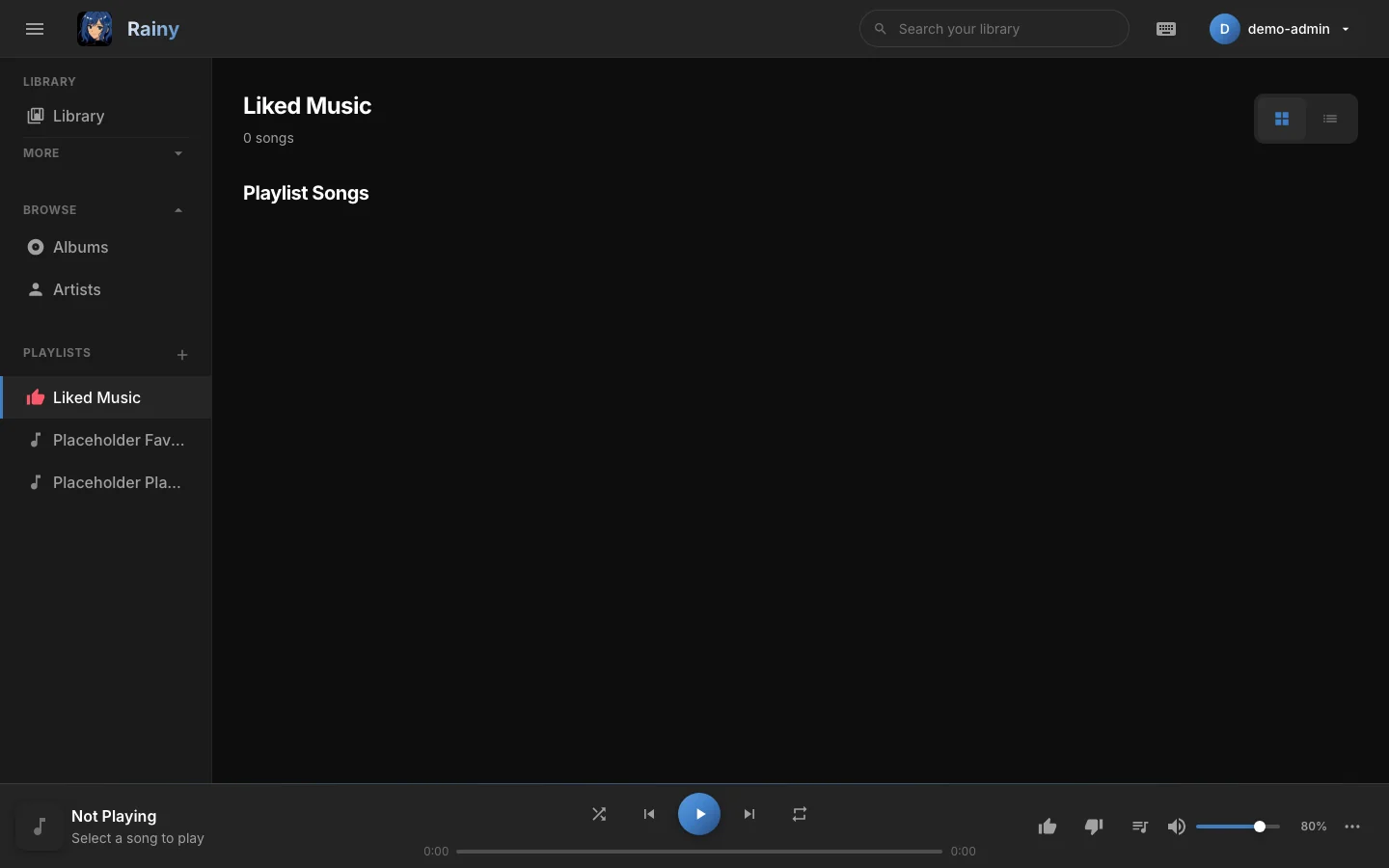
Liked Music is the playlist of every song you have liked.
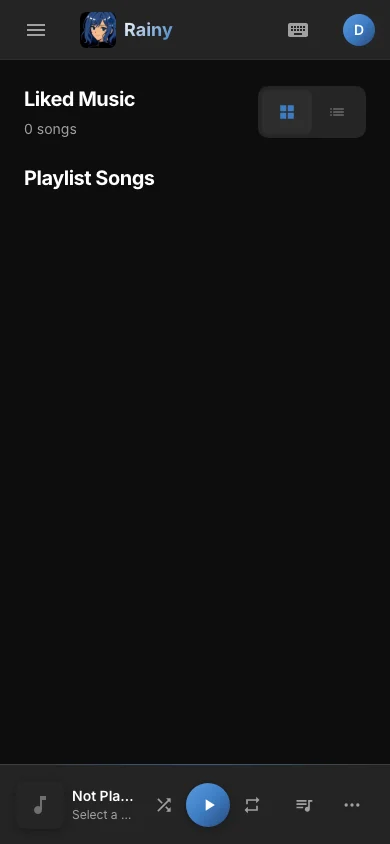
The same playlist on a phone-sized screen.
Removing a song from Liked Music with Remove from Playlist takes it out of the playlist and clears its like on the open page only. The like is still saved, so after a reload the song shows as liked again, although it is no longer in Liked Music. Use the Like button to remove the like.
How likes and dislikes are used
Smart Mix reads your likes and dislikes on every build:
- Liked Mix is built from your liked songs.
- Liked songs get extra weight in the Supermix, My Mix and mood mixes, so your favourites come up more often.
- Discover Mix only offers songs you have not played and have not liked.
- Disliked songs are excluded from every mix, and from the songs added when a mix plays on endlessly.
See Smart Mix for the full list of mixes.
Likes from earlier versions
Older versions kept likes in the Liked Music playlist and dislikes in the browser. The first time you open Rainy in a browser after the update, it copies the likes from Liked Music into your account and clears the browser's old dislikes, which are not carried over. On each page load Rainy also tidies Liked Music, removing duplicate entries and making sure each song in the playlist has a like. You do not need to do anything.
The Like button updates the playlist and the like together. Use it, rather than removing songs from Liked Music, when you want to change a like.