
Documentation Playlists and discovery
Friends
Add friends, answer friend requests, and invite friends to collaborate on your playlists.
Friends connect Rainy accounts on the same server. A friendship needs both people to agree. The main reason to add a friend is to share a playlist with them. Friends do not get to see your library, your listening or your likes. The only music a friend can reach is a playlist you have chosen to share.
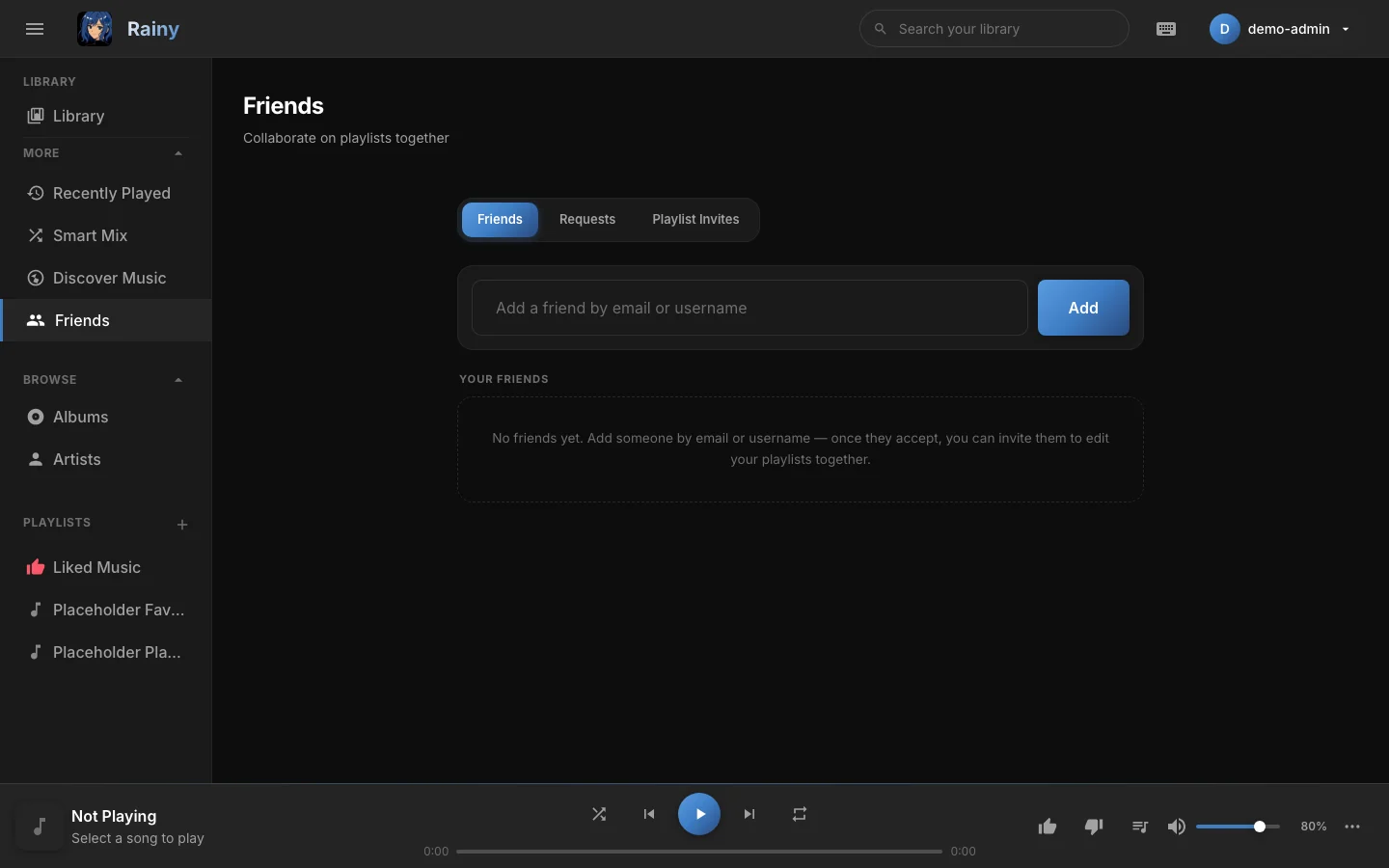
The Friends page, with the Friends, Requests and Playlist Invites tabs across the top.
Add a friend
- In the sidebar, open More and choose Friends.
- Type an email address or a username into Add a friend by email or username.
- Click Add.
What happens next depends on the other person:
- If they have not asked you, Rainy sends them a request. They can accept it from their own Requests tab.
- If they have already sent you a request, you become friends straight away.
- If you are already friends, Rainy says so.
Rainy tells you whether an email address or username has an account. If nothing matches, it shows "No user found with that email or username".
Answer requests
Open the Requests tab. It has two lists:
- Incoming requests have Accept and Decline buttons.
- Outgoing requests show Pending and have a Withdraw button, which cancels a request you sent.
Decline and Withdraw only affect a request that is still pending. Neither one ends an accepted friendship; use Unfriend for that, see below.
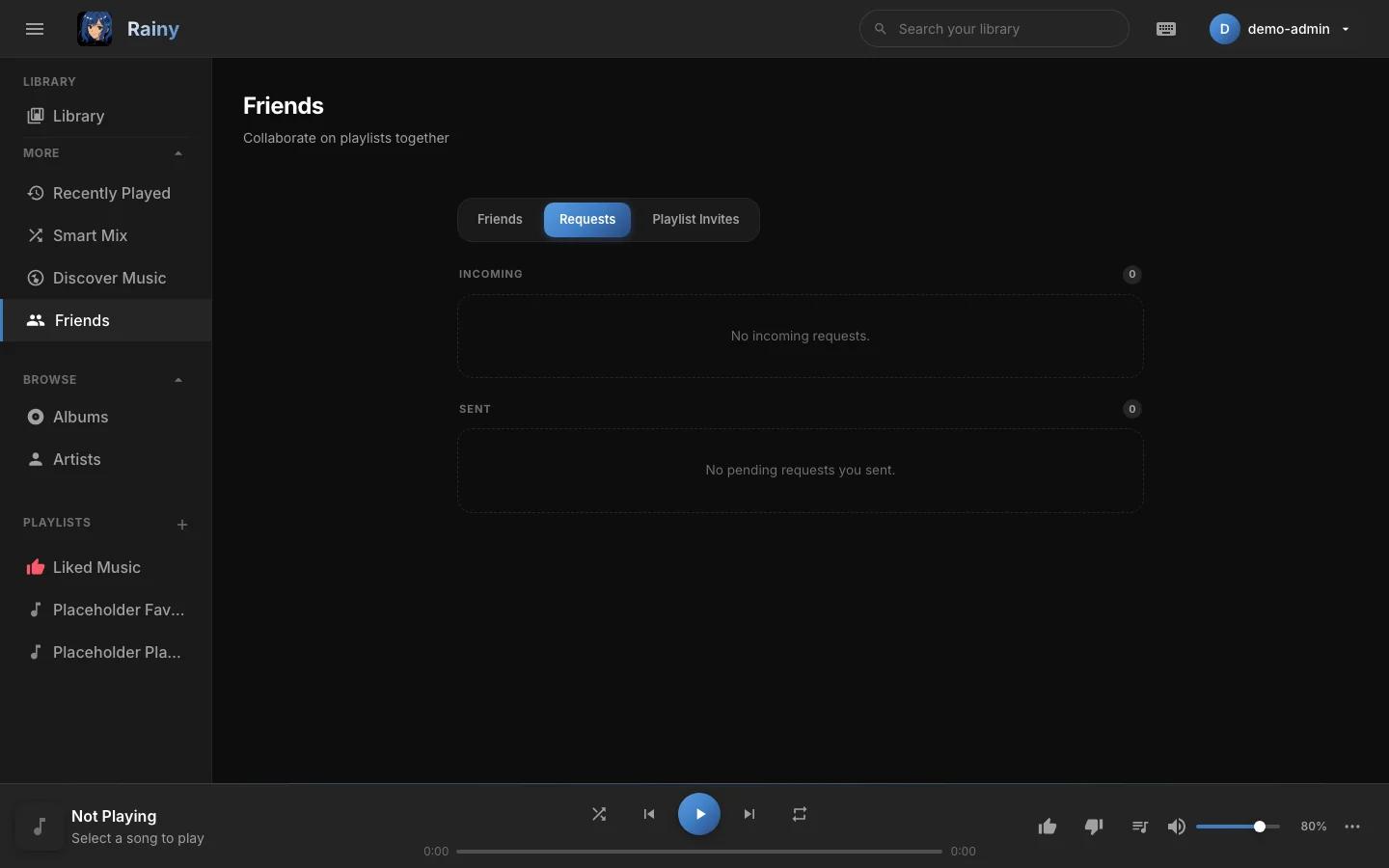
The Requests tab lists requests waiting for a reply, in both directions.
Remove a friend
Open the Friends tab, find the person and click Unfriend. Unfriending removes the friendship only. It does not remove playlists you have already shared with them. To stop that, open the playlist's Invite Friend window and click Revoke beside their name (see Playlists).
What friends can see and do
Friends can see:
- Each other's username.
- Each other's email address. Rainy shows it in the friends list, in the requests lists and in the invite window.
Friends cannot see:
- Your library, your listening history, your likes or your mixes.
- Your playlists, unless you have shared them with them.
A friend can also:
- Send you a friend request, or accept or decline one from you.
- End the friendship at any time.
Only the owner of a playlist can invite people to it, and only people on their friends list can be invited.
Playlist invites
When a friend shares a playlist with you, it appears under the Playlist Invites tab, with the playlist name and the name of the person who invited you.
- Accept adds the playlist to your library. If you were invited as an Admin, you can edit its songs. If you were invited as a Viewer, you can only listen to it, download it and export it.
- Decline removes the invite.
Accepted playlists appear in your playlist list with a shared badge. You can leave one at any time from its settings menu, using Leave Playlist. Leaving removes the playlist from your library only. See Playlists for the full list of roles.