
Documentation Playlists and discovery
Discover
Search YouTube Music from Rainy, preview songs, and download the ones you want into your library.
Discover searches the online YouTube Music catalogue, not your own library. It needs an internet connection on the machine running Rainy. Results are songs only, and a search returns up to 10 of them.
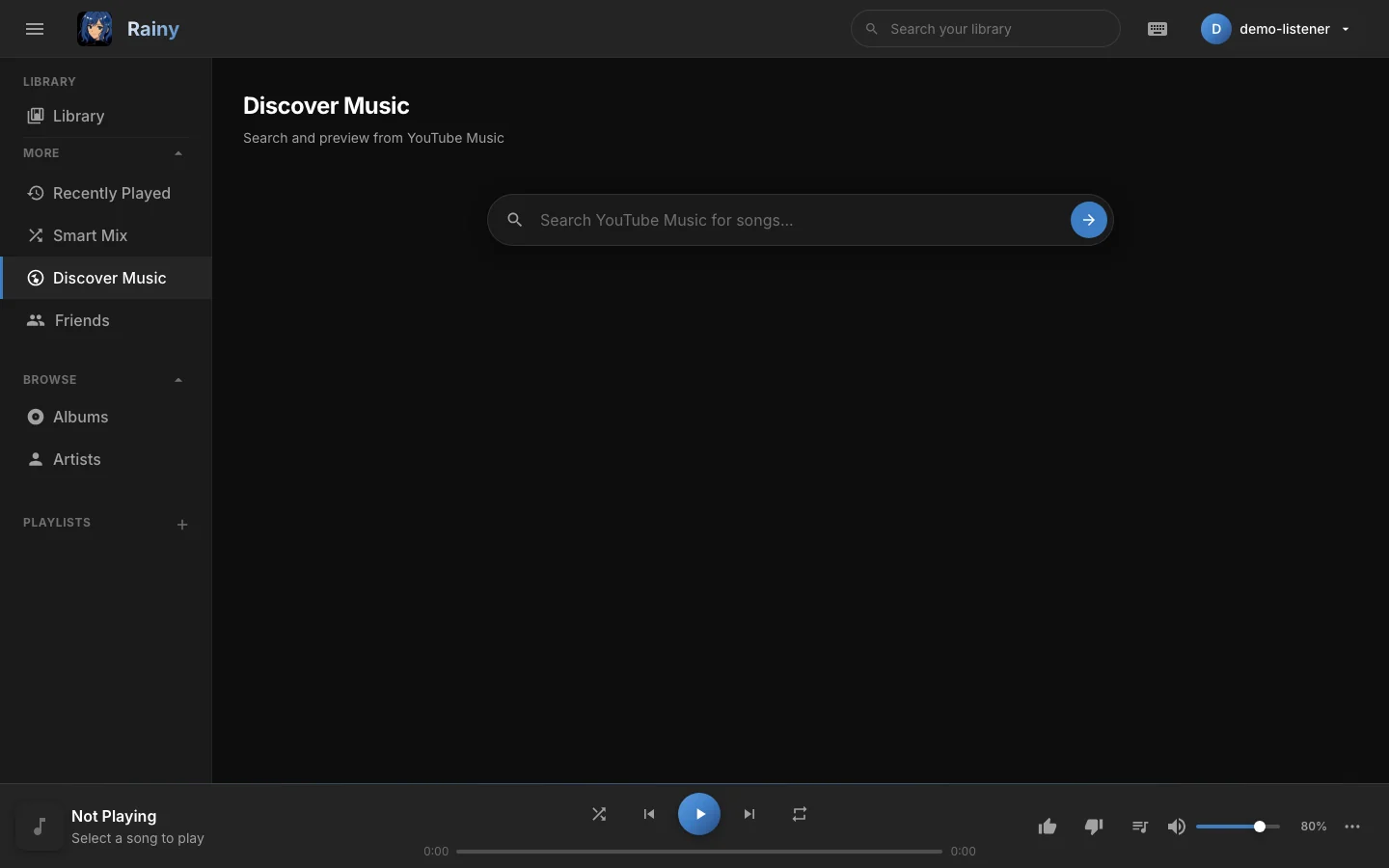
The Discover page before a search. Results appear below the search box.
Search for a song
- In the sidebar, open More and choose Discover.
- Type a song title, an artist or an album into the search box.
- Press Enter or click the search button.
Each result shows its cover, title, artist and album, and its duration. If nothing matches, the page says No Results Found. If the search cannot reach YouTube Music, you see a "Search failed" message.
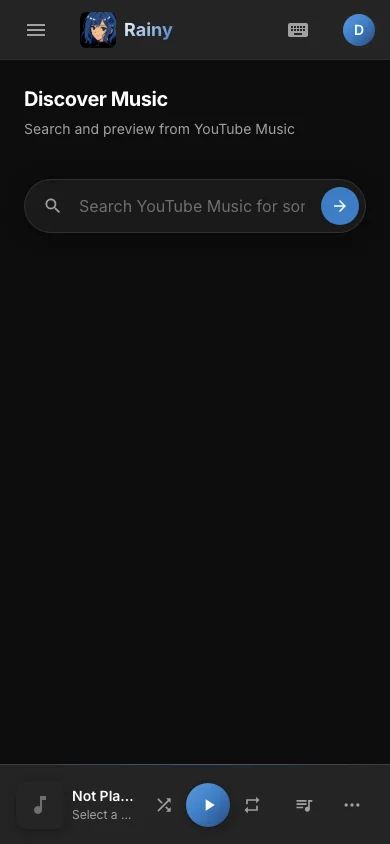
The same page on a phone-sized screen, with the search box at the top.
Preview a song
Click Preview on a result to hear it before you download it. The audio streams through Rainy, and a preview bar appears at the bottom of the page with play, pause and a progress bar. Starting a preview pauses whatever is playing in the main player. A preview is not saved to your library.
Download a song
Click Download to add the song to your library.
- Rainy downloads the audio from YouTube into your music folder.
- The button shows Downloading... while the download runs.
- When it finishes, the result is marked In Library and the download button is disabled.
Downloads need a music folder to be set up. The song is added to your library, and you get access to it straight away. If the song is already in the library, Rainy does not store a second copy.
Downloading copies audio from YouTube. Only download music you have the right to keep.
Songs you already have
Rainy matches each result against your library by title and artist, ignoring capital letters, spacing and punctuation. Only the songs your account can see count. When a match is found:
- The result is marked In Library.
- The Preview button becomes Play, and plays your copy from the library in the player.
- The download button is disabled.
Find more by artist
Click an artist's name in a result to search for that artist. You can also open an artist's page in Albums and artists and use its Discover button, which starts a search for that artist.
Troubleshooting
- Search failed. Check the machine's internet connection. YouTube Music may also be temporarily unavailable.
- Preview does not start. Try again after a moment. Rainy retries the stream lookup a few times before it gives up.
- Download fails. Check that the music folder is set up and that there is free space. The message after a failed download gives the reason.